

Photographer SEO is just about setting up your website and content so Google and others searches understands who you are, what you shoot, and where you work, then puts you in front of people ready to book.
In this guide, I’ll walk you through a simple, step-by-step SEO plan built specifically for photographers, so you can stop relying only on Instagram’s mood swings.
⚡TL;DR:
- Photography SEO = making Google your best referral source. You use the right keywords, content, and structure so your site shows up when people search things like “wedding photographer in Austin” or “personal branding photos London.”
- Start with keyword research. Find what people actually type into Google (e.g., “elopement photographer Iceland,” “newborn photographer near me”).
- Build simple, useful content. Clear service pages, a focused portfolio, an About page that builds trust, and blog posts answering real questions your clients ask.
- Polish on-page SEO. Meta titles, meta descriptions, headings, image ALT text, and short, clean URLs that include your main keywords + locations.
- Local SEO is huge for photographers. Google Business Profile, reviews, and consistent NAP data (name, address, phone) help you show up in the map pack and “near me” searches.
- Tech basics matter more than you think. Fast loading and mobile-friendly layout are ranking factors and trust signals.
- Think long-term, not quick hacks. SEO compounds over time – one well-optimized gallery or blog post can bring you leads for years, especially if it targets strong local or long-tail keywords.
What is SEO for photographers?
Why is SEO important for photographers?
Good photography SEO puts you right in front of those high-intent clients at the exact moment they’re searching. It also builds long-term stability: one well-optimized gallery or blog post can keep sending traffic and bookings for years, while a single Instagram Reel dies in 48 hours.
How to prepare photography SEO: step-by-step
1. Do photography keyword research like your dream clients
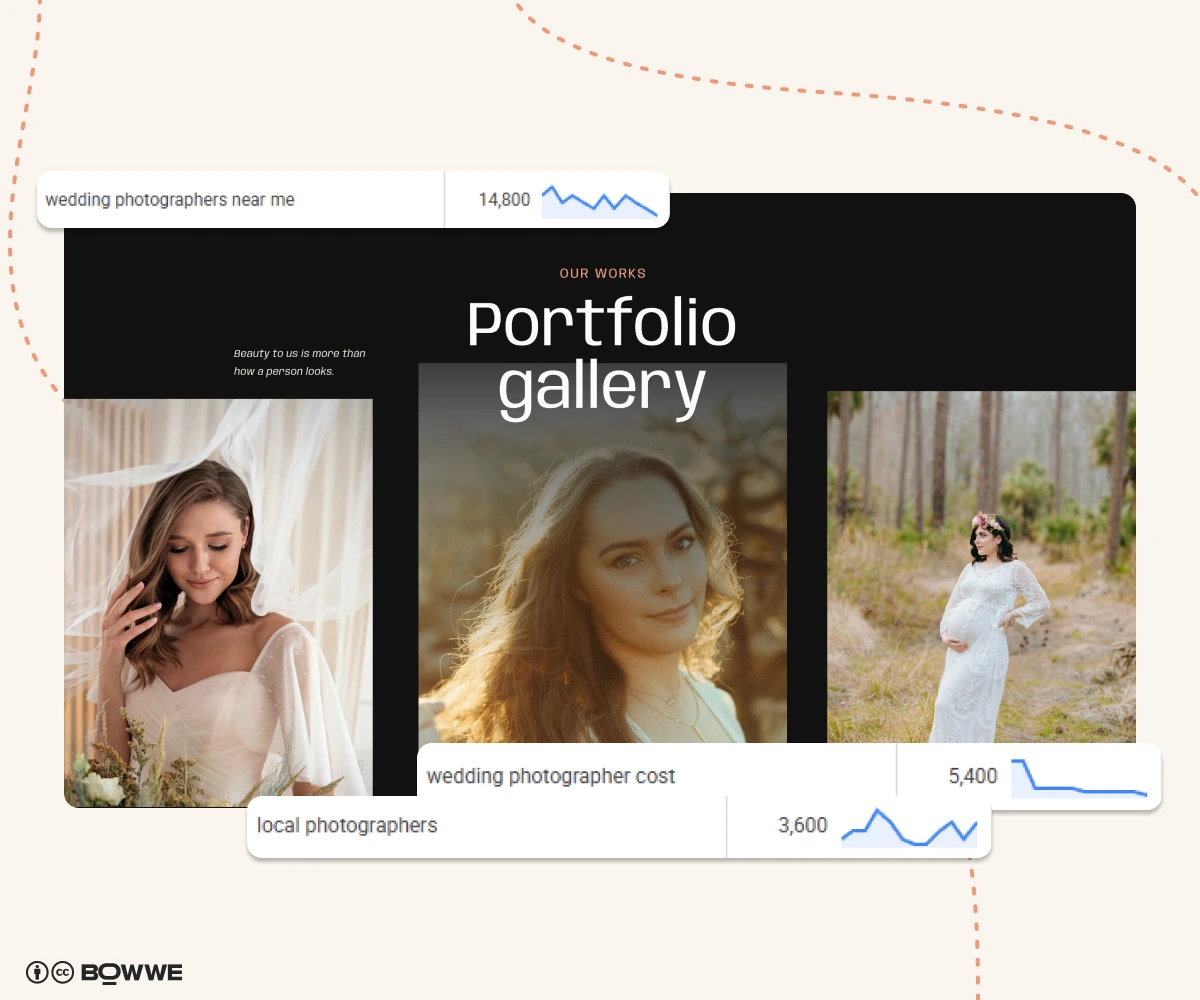
- “newborn photographer near me”
- “personal branding photographer for coaches”
- “studio headshots same day [city]”
Your job is to find those phrases (do a keyword research), pick the best ones, and use them strategically on your site.
Start with a few tools: Ahrefs, Semrush, Google Keyword Planner (inside Google Ads), or even just Google autocomplete. Type in obvious phrases like “wedding photographer,” “family photoshoot,” or “branding photographer” and look at:
- Search volume – are people actually searching this?
- Competition/difficulty – can you realistically rank, or is it dominated by huge sites?
- Relevancy – does this match what you want to shoot?
- Intent – is this someone likely to book, or just browsing ideas?
Then check the actual search results. Who’s ranking? Other photographers? Directories? Blogs? If the first page is full of other photographers, great, you know Google treats this as a “hire someone” query, not just an info article.
After this sort them out into three groups:
1. Primary photography keywords
Primary keywords are your big, obvious labels like “wedding photographer”, “family photographer” or “newborn photographer”. They’re usually shorter, more competitive, and get the most searches. You should add them to: page title (Meta Title), H1 (main heading), one or two subheadings (H2/H3), core service pages.
2. Long-tail photography keywords
These are longer, more specific phrases like: “in-home newborn session photographer [city]”, “branding photographer for coaches”, “sunset beach family photos [city]”. They have lower search volume, are way less competitive, and come with much higher booking intent. Where to use long-tail keywords: blog posts, FAQ sections, image ALT descriptions.
3. Location-specific keywords
Location-specific keywords tell Google where your dream clients can actually book you. Examples of location-based photography keywords: “newborn photographer near me”, “studio headshots in Brooklyn”, “wedding photographer in Austin TX”. Where to use location keywords: homepage title & H1, service pages, image ALT text, Google Business Profile.
2. Create photography content that actually books clients
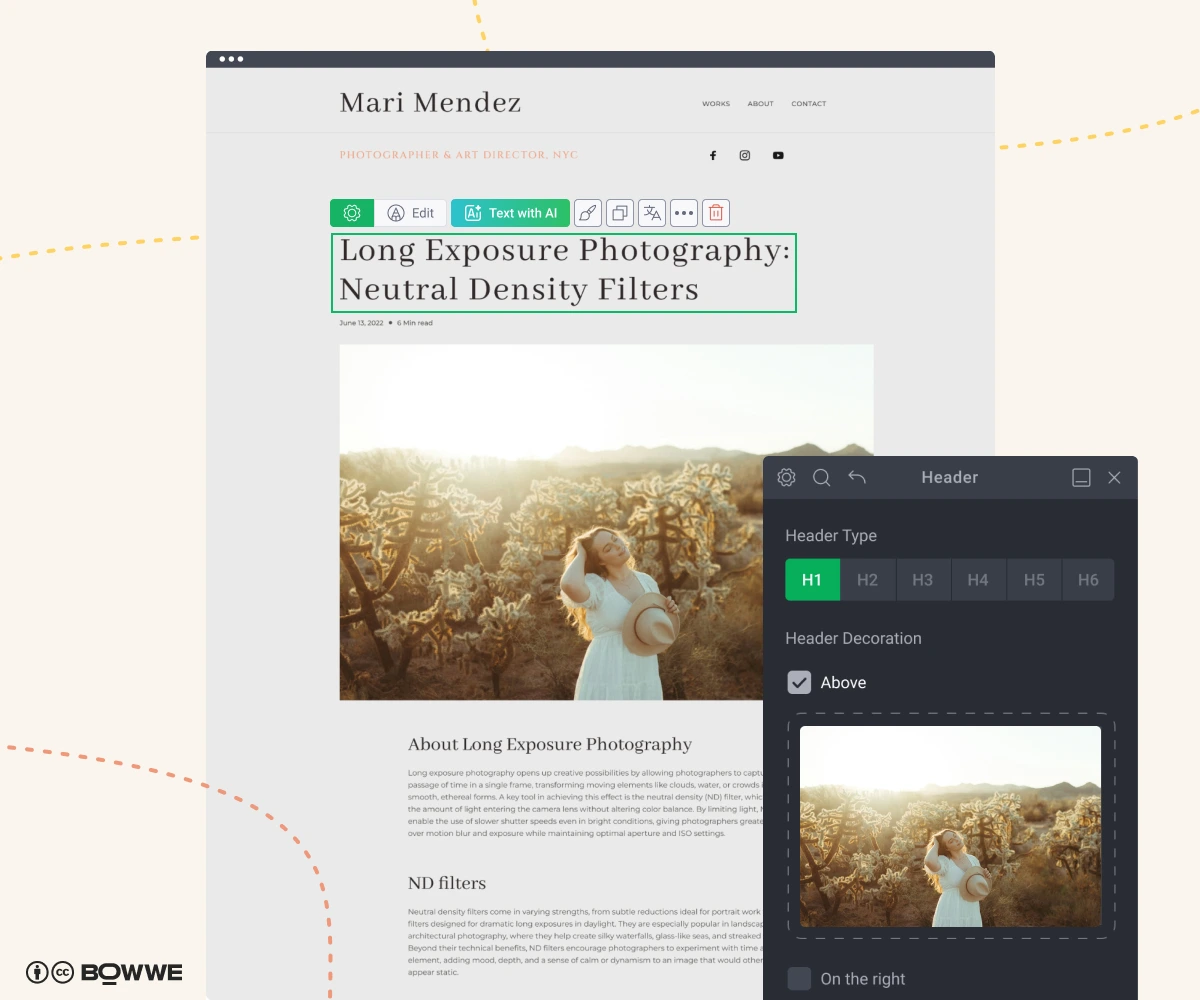
You can achieve excellent results with only a few well-written, focused pages:
a clear homepage (“This is who I am and what I shoot in [city]”),
- a couple of service pages (“This is the exact type of session, price range, and experience I offer”),
- a human About Me (“Who I am and why you can can trust me”),
- a simple Contact/Booking page (“Here’s how to reach me and how to book your session”),
- and a small blog that answers real questions + FAQ section (“I understand your problems and I’ve done this before”).
If you already have a site (or you’re about to build one), don’t overcomplicate it. Use your keyword list from Step 1 and simply assign one main keyword per page, plus a few supporting ones.
- tell it your service (“wedding photographer in Denver”),
- your ideal client (“couple preparing for wedding”),
- and your main keyword, and it will give you a solid first draft you can tweak to sound like you.
3. Create meta titles & descriptions that stand out
Meta title rules:
- Stay under 60 characters so it doesn’t get cut.
- Put the main keyword + city near the beginning.
- Add a simple hook or brand name at the end.
Examples:
- Wedding Photographer in Austin | Candid, Modern Photos
- Family Photographer in Seattle | Lifestyle Sessions
- Branding Photographer in Chicago | Photos That Sell Your Story
Meta description rules:
- Under 160 characters.
- Say what you do, for who, where.
- Add a soft call to action.
- Modern, candid wedding photography in Austin and beyond. Real moments. Check dates & pricing.
- Lifestyle family sessions in Seattle that feel fun, not forced. See full galleries & book your spot.
- open any page → Rocket SEO / Basic SEO settings,
- fill in meta title + meta description fields,
- preview how it looks in Google before you publish.
Do this for your homepage, main service pages, and top blog posts – those are your money URLs.
4. Write image ALT text that helps Google “see” your photos
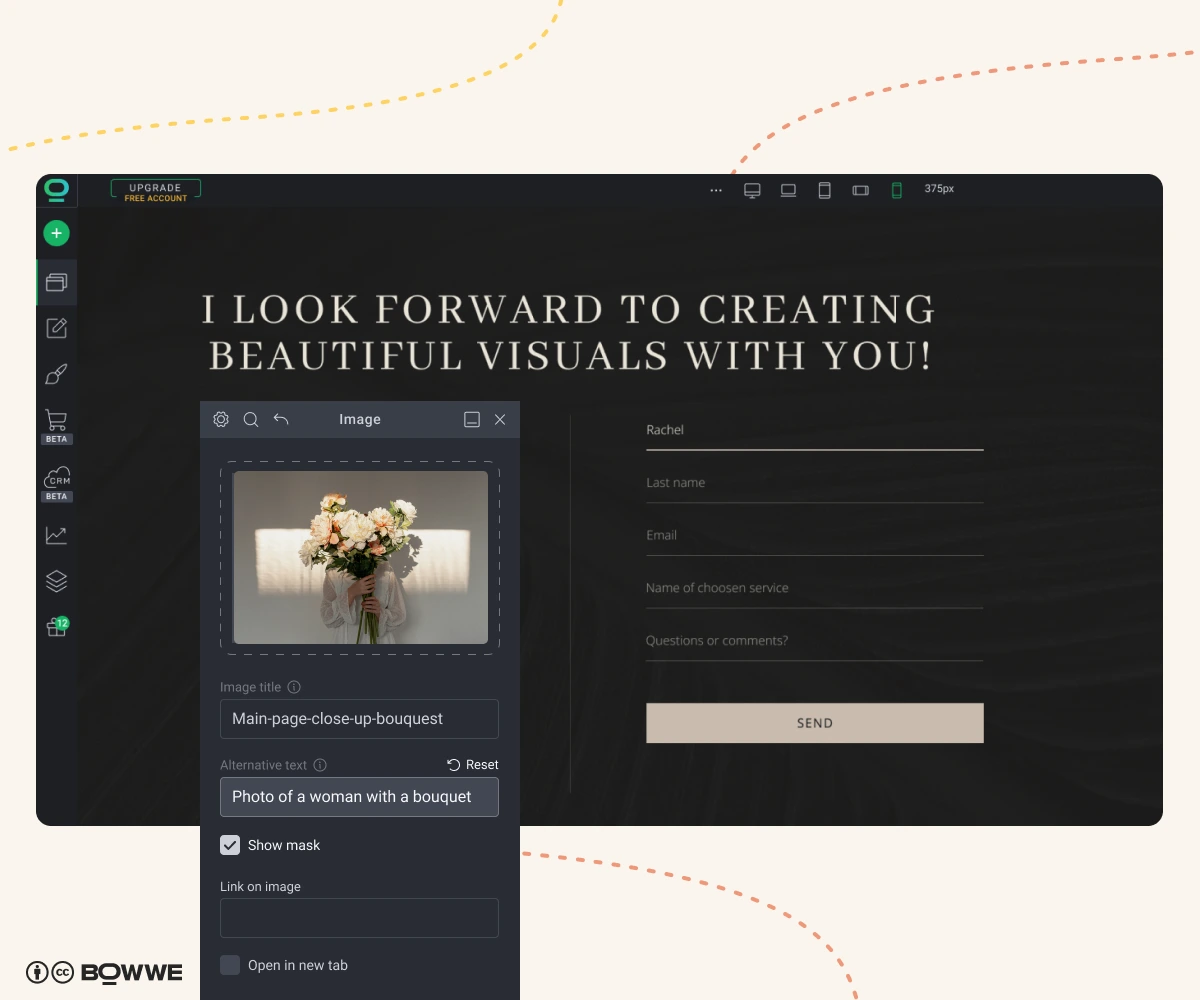
Good ALT text helps:
- people using screen readers,
- Google Images rankings,
- and your overall page relevance for a topic.
Skip description like:
- IMG_9283.jpg
- photo1
- wedding1
Instead, use short, descriptive sentences that naturally include context and (when it makes sense) a keyword + location.
Examples of good ALT text for photographers:
- Bride and groom laughing during outdoor ceremony at sunset in Austin
- Lifestyle family photo with parents and two kids on the beach in San Diego
- Personal branding portrait of female designer working at laptop in New York studio
- click the Image widget,
- add your sentence in the ALT text field,
- let BOWWE handle lazy-loading & performance so your galleries still load fast.
Do this especially for:
- hero images,
- key portfolio highlights,
- images embedded in high-traffic blog posts.
5. Polish your photos’ EXIF/geo data
It also doesn’t hurt to keep basic geo data when you’re showcasing local work on your site, every small signal contributes to a clearer picture of where you operate.
Practical ways to use EXIF/GEO data:
- Keep GPS data for local shoots (e.g., weddings at Golden Gate Park, San Francisco).
- Add creator info consistently (e.g., Photographer: Jane Doe Photography).
- Add keywords to “Image Description” or “Title” fields in Lightroom (e.g., San Diego beach family session).
- Keep dates accurate so galleries show a clear timeline of recent work.
6. Create SEO-friendly URLs
You want it to be:
- clean,
- predictable,
- and easy to share.
Bad practices for URL:
- /p=123?ref=home
- /service-445
- /new-page-7
Best practices for URL creation:
- /wedding-photography-austin
- /family-photo-sessions-seattle
- /branding-photography-chicago
- all lowercase,
- words separated by hyphens (-),
- 3–6 words max,
- include the main keyword + maybe city.
7. Boost local SEO to get found by nearby clients
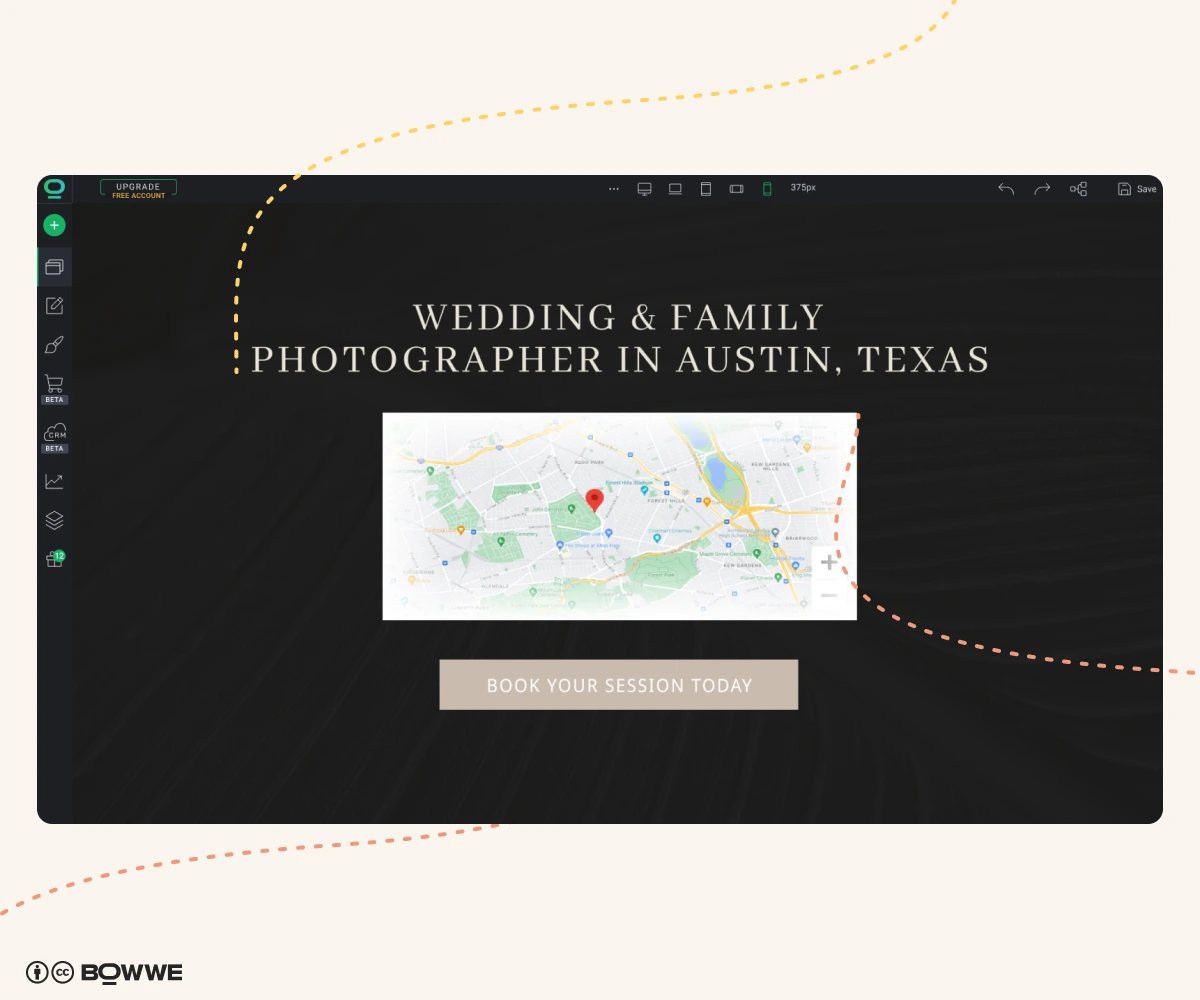
Most of your best clients search something like:
- “wedding photographer in [city]”
- “family photos near me”
- “branding photographer [city]”
You need to tell Google on your own photographer website where you work.
Add your city / area naturally to:
- Homepage H1 or subheading (“Wedding & Family Photographer in Austin, Texas”),
- Service page headings (“Newborn Photography in Chicago”),
- About page (tell your story, where you’re based, where you shoot).
- Contact page (“Based in Berlin, happy to travel across Germany & Europe”).
You don’t need to spam your city 20 times on each page – 2–4 natural mentions per page is usually enough.
If you shoot in multiple locations or popular spots (like national parks, specific neighborhoods), mention them too: “I often shoot couples sessions in Zilker Park, Downtown Austin, and the Texas Hill Country.” That’s free relevance.
8. Set up & optimize your Google Business Profile (GBP)
Make sure you:
- Claim or create your profile (Google “Google Business Profile”).
- Use your real business name (don’t stuff it with keywords like “Best Wedding Photographer in Austin LLC”).
- Add your correct NAP: name, address, phone number (it should match your website and any directories exactly).
- Choose relevant categories: “Photographer”, “Wedding photographer”,“Portrait studio”.
- Add opening hours, even if you’re “by appointment only” – put something realistic.
- Fill the description with clear, simple copy: who you are, what you shoot, where you work.
Example:
“Wedding and family photographer based in Austin, TX. I specialize in candid, emotional photography for couples, families, and small businesses. Serving Austin, Round Rock, and surrounding areas.”
Once that’s set, keep your profile well managed:
- Post fresh photos regularly (behind-the-scenes, finished sessions, you in action).
- Use GBP posts for promos (“mini sessions in October”), events, or announcements.
- Reply to every review. It’s a ranking signal and a trust signal.
9. Use local directories & backlinks to quickly build credibility
You don’t need 10,000 backlinks. You need a handful of good local and industry ones.
Focus on:
- Local business directories (chamber of commerce, business listings).
- Niche sites: wedding platforms (The Knot, WeddingWire, local blogs), local family / parenting blogs, coworking/creative hubs if you do branding, vendor partners (planners, venues, florists, makeup artists, videographers).
- Create a “Recommended vendors” section or page on your site.
- List and link to your favorite venues, planners, florists, etc.
- Email them something like: “Hey [Name], I’ve added you to my recommended vendors on my website. If you ever share a list of favorite photographers on your site/blog, I’d love to be included – happy to send photos and a short description.”
10. Gather reviews that strengthen credibility
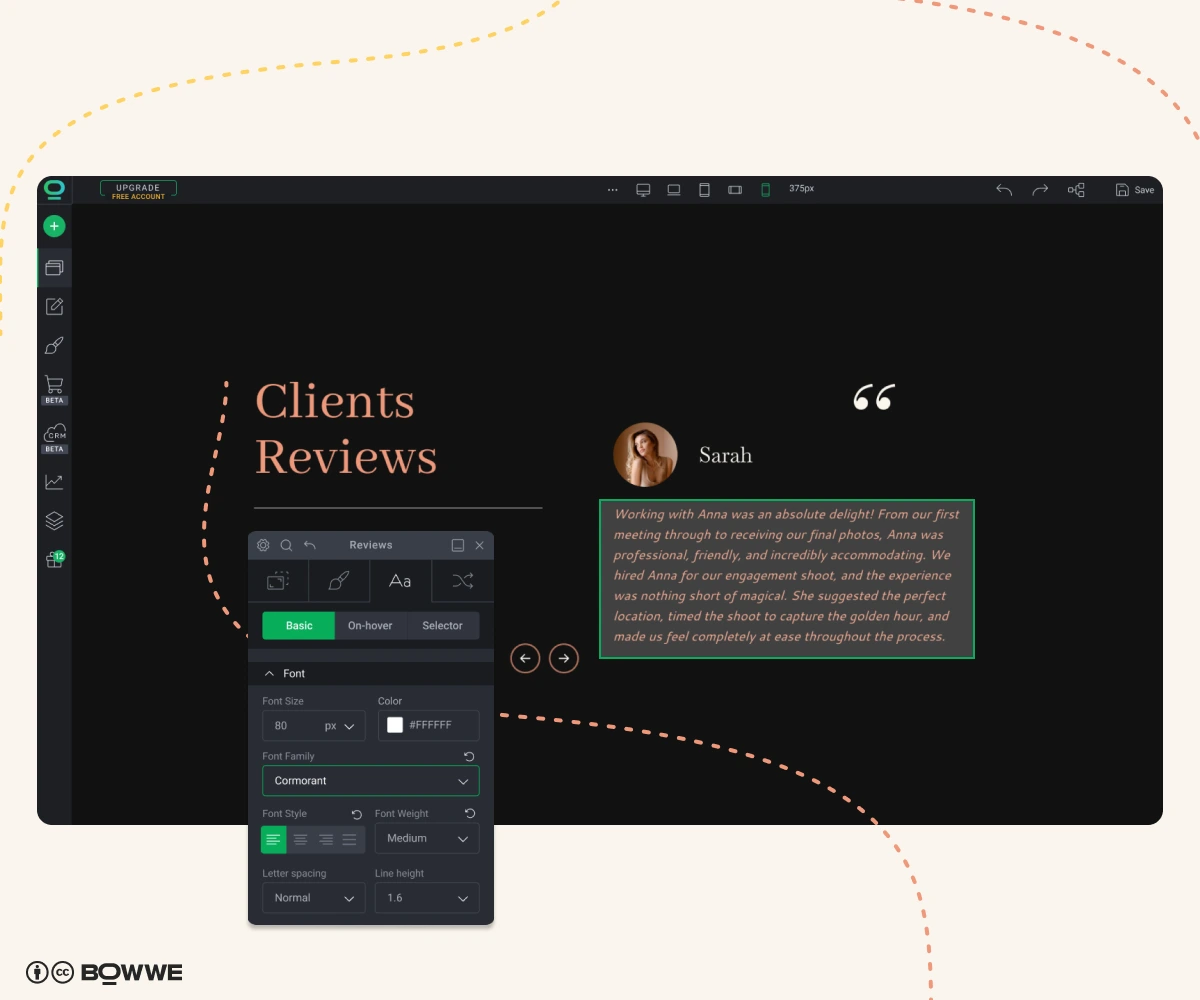
- They help you rank higher in the map pack.
- They make strangers trust you faster.
- They pre-sell your experience and pricing.
Make it easy and normal to leave a review:
- After delivering photos, send a short email like: "If you loved your photos, a quick Google review would mean a lot. Here’s the link."
- Add the review link to your email signature.
- Ask in person when the vibe is right (“If you’re happy with everything, I’d love a Google review”)
- Homepage strip: “★ 5.0 rating on Google – 45+ reviews”
- Service pages: embed 2–3 relevant reviews (“wedding reviews” on the wedding page).
- Contact / pricing page: 1–2 strong testimonials next to your form.
- display your best reviews in clean, ready-made layouts,
- reuse the same testimonials on several pages without copy-paste chaos,
- keep your design consistent while still making reviews impossible to miss.
11. Make your website faster with optimized images
A slow site can lead to:
- Lower rankings.
- Higher bounce rate.
- Fewer inquiries.
Basic rules for photographers:
- Export web images around 100–250 kB each (not 5 MB).
- Use modern formats like WebP when possible.
- Don’t autoplay giant background videos everywhere “just because it looks cool”.
- Limit heavy sliders – a few strong hero images beat a 15-images slider.
- lazy loading,
- clean code without plugin bloat,
- fast hosting and CDN.
12. Make your website mobile-friendly
- scrolling Instagram
- Googling “family photos near me”
- clicking a link from a friend
- Text is readable without zooming.
- Buttons are big enough to tap easily.
- Menus are simple (burger menu or clear top bar).
- Forms are easy to fill out.
- Galleries swipe smoothly.
- switch between desktop, tablet, and mobile view with one click,
- adjust spacing, font sizes, or even hide certain blocks only on mobile/desktop,
- start from photography templates that are already responsive and tested.
13. Make sure Google can actually find your pages
Do a quick website health check :
- Go to Google and type: site:yourdomain.com.You’ll see which pages are currently indexed.
- Make sure your key pages are there: homepage, main service pages, important blog posts, contact/booking page.
- Set up Google Search Console (free) (or Bing Webmaster Tools) and submit your sitemap (BOWWE generates it automatically, usually at /sitemap.xml). Check also for indexing errors or pages excluded and request indexing for new/updated key pages.
14. Track your photographer SEO so you know what truly drives bookings
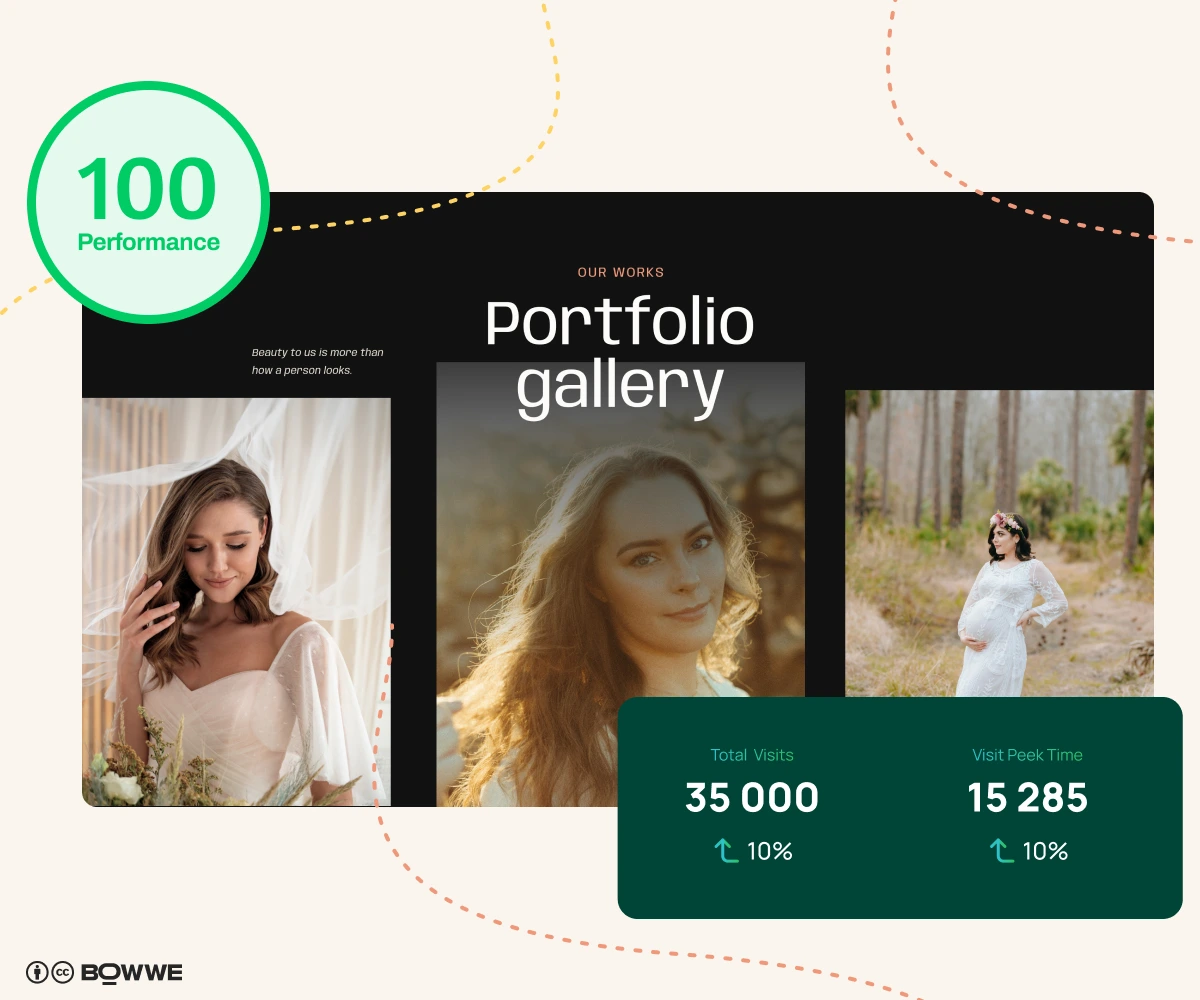
Once a month, check:
- Top queries – what people actually searched before finding you. Spot new ideas: if you see "wedding photographer [city]” climbing, maybe it’s time for a dedicated page.
- Average position – if you’re sitting around positions 5–15 for a good keyword, small improvements (better title, stronger content, a few links) can bump you onto page 1.
- Top pages – which pages get the most traffic?
- Engagement – do people stay, click around, or bounce right away?
- Conversions/crucial action by visitors – which pages lead to: form submissions, email clicks, booking calendar visits.
Then ask yourself three simple questions:
- What’s working? Can I create more content like that?
- What’s getting traffic but no inquiries? Maybe the text on the main button is not convincing enough to take action.
- Which important pages get almost no traffic? Maybe they need better internal links or stronger keywords.
- shows you visits,
- top pages,
- traffic sources,
It’s perfect if you just want quick answers like:“Which pages are people actually visiting?”and when you don't want to burden your website with additional codes from external analytics tools.
Photography SEO strategy – summary
You do that by:
- using the same words your clients type into Google,
- building clear pages and helpful content around those words,
- making your site fast, mobile-friendly, and easy to use,
- getting mentioned and linked to by real local partners,
- checking your results once in a while and adjusting.
Photography SEO - FAQ
How long does SEO take for photographers to work?
Do I really need a blog, or is a portfolio enough?
Do I need separate pages for each type of photography?
Can I just focus on Instagram instead of SEO?
I’m not technical. Can I still do SEO?

Karol is an entrepreneur, e-commerce speaker among others, for the World Bank, and founder of 3 startups, as part of which he has advised several hundred companies. He was also responsible for projects of the largest financial institutions in Europe, with the smallest project being worth over €50 million.
He has two master's degrees, one in Computer Science and the other in Marketing Management, obtained during his studies in Poland and Portugal. He gained experience in Silicon Valley and while running companies in many countries, including Poland, Portugal, the United States, and Great Britain. For over ten years, he has been helping startups, financial institutions, small and medium-sized enterprises to improve their functioning through digitization.