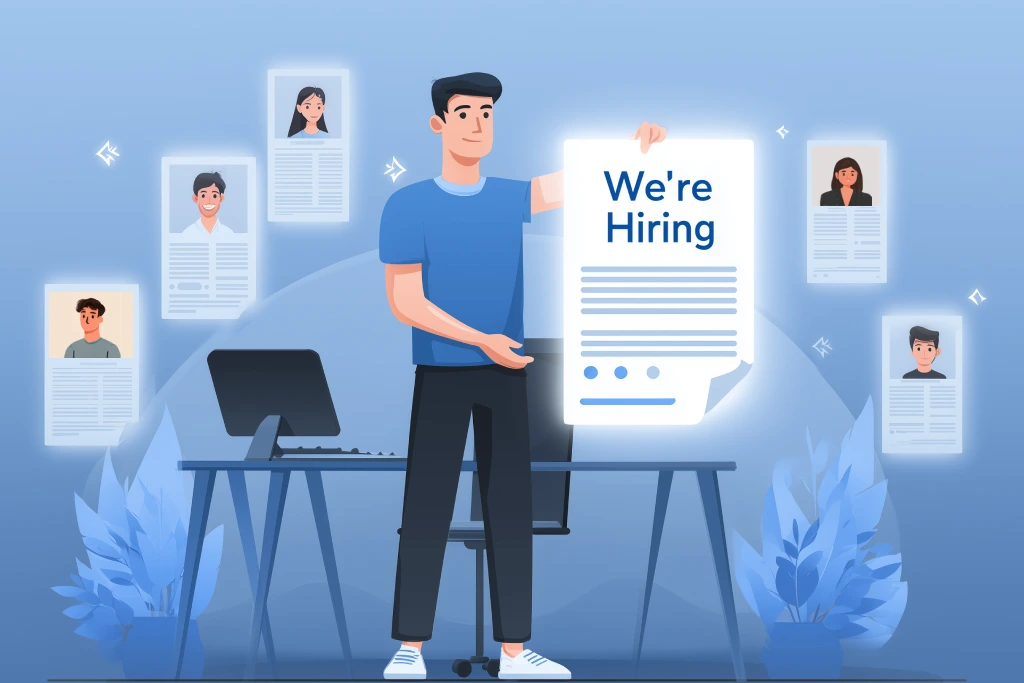

Need to hire fast? This playbook shows you how to build a sleek, high‑speed “We’re Hiring” landing page that turns visitors into applicants the same day you launch.
Get Started
How to build a high‑converting “We’re Hiring” landing page?
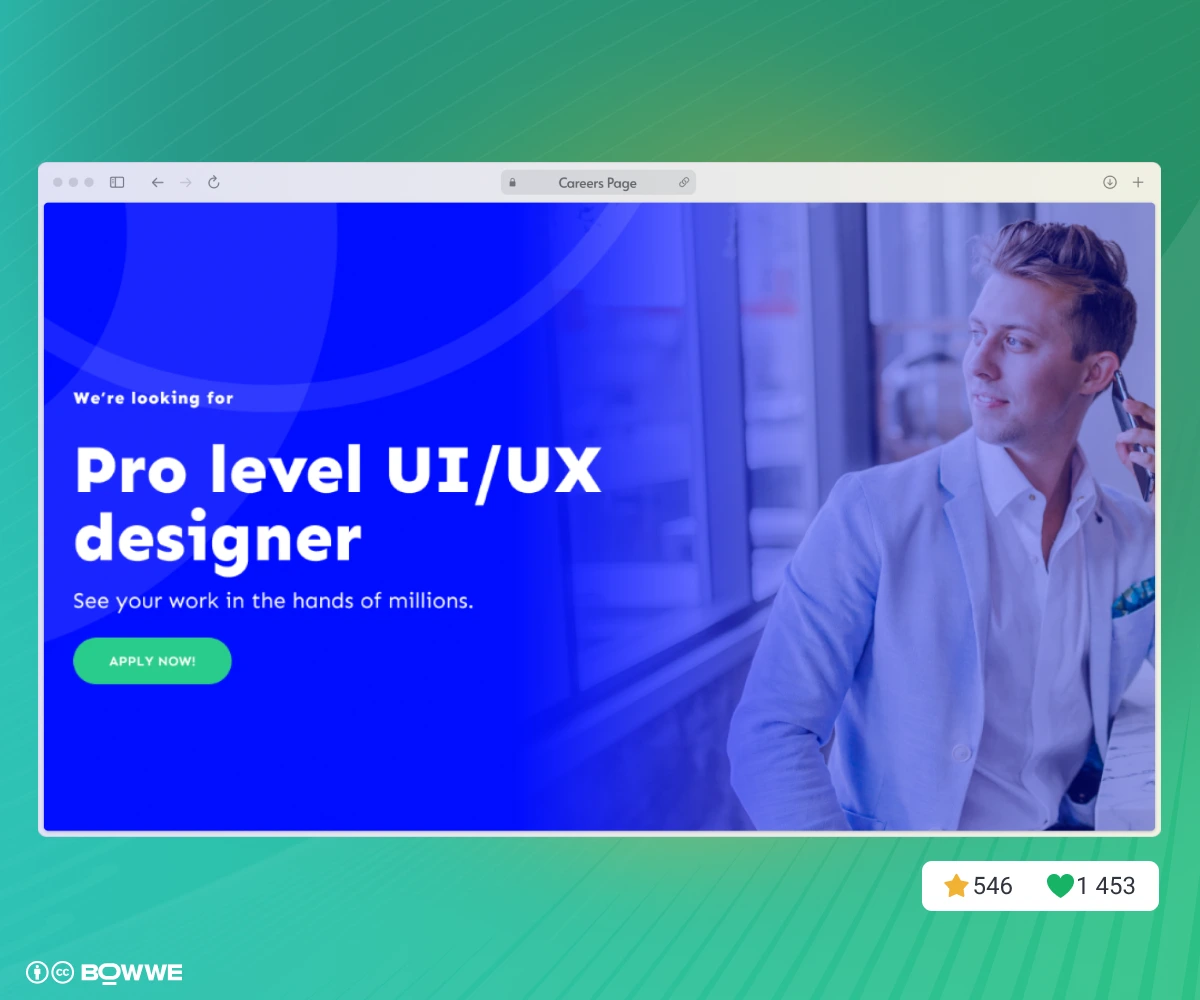
1. Define your hiring goal & audience
1.1 Pinpoint the business goal
Typical goal
Example of metric
Fill one strategic role
≥ 10 qualified apps in 14 days
Build an always‑open talent pool
≥ 5 opt‑ins per week
Cut recruiter spend (direct applicants vs. agency)
% direct applicants vs. agency
Boost employer brand / PR signal
Press mentions, LinkedIn engagement, or internal stakeholder feedback
1.2 Map the ideal candidate journey
- Source - Where will they first see the link? (LinkedIn, paid ad, employee referral, organic search)
- Landing moment - What question is in their head when the page loads?
- Decision to apply - Which three facts must convince them?
- Conversion - How many clicks or fields stand between interest and “Submit”?
Sketch this on paper or Figma; you’ll instantly see which sections matter and which are fluff.
1.3 Segment by persona
- skills level,
- career goals,
- decision drivers.
2. Choose how you’ll build the company career page
There are really only three routes:
2.1 Hand‑code it
Hand‑coding is perfect when the page must run on the same design‑system components that power the rest of your website; it’s overkill for 90% of careers landing pages.
2.2 Outsource to an agency or freelancer
Agencies shine when the page doubles as a bigger employer‑branding reboot; they’re mismatched when you simply need a high‑performing LP by Friday.
2.3 Use a no‑code builder
- Speed with precision. You can start from a blank canvas or a purpose‑built careers page template, yet still dive into custom code when brand guidelines demand it.
- Built‑in widgets. Contact forms embeds, video widgets, and testimonial sliders are already prepared for responsive breakpoints.
- SEO guard‑rails. Title‑tag fields, image alt prompts, and easy access to adding JobPosting schema.
3. Map the sections that actually drive applications
3.1 Hero + Employer Value Proposition (EVP)
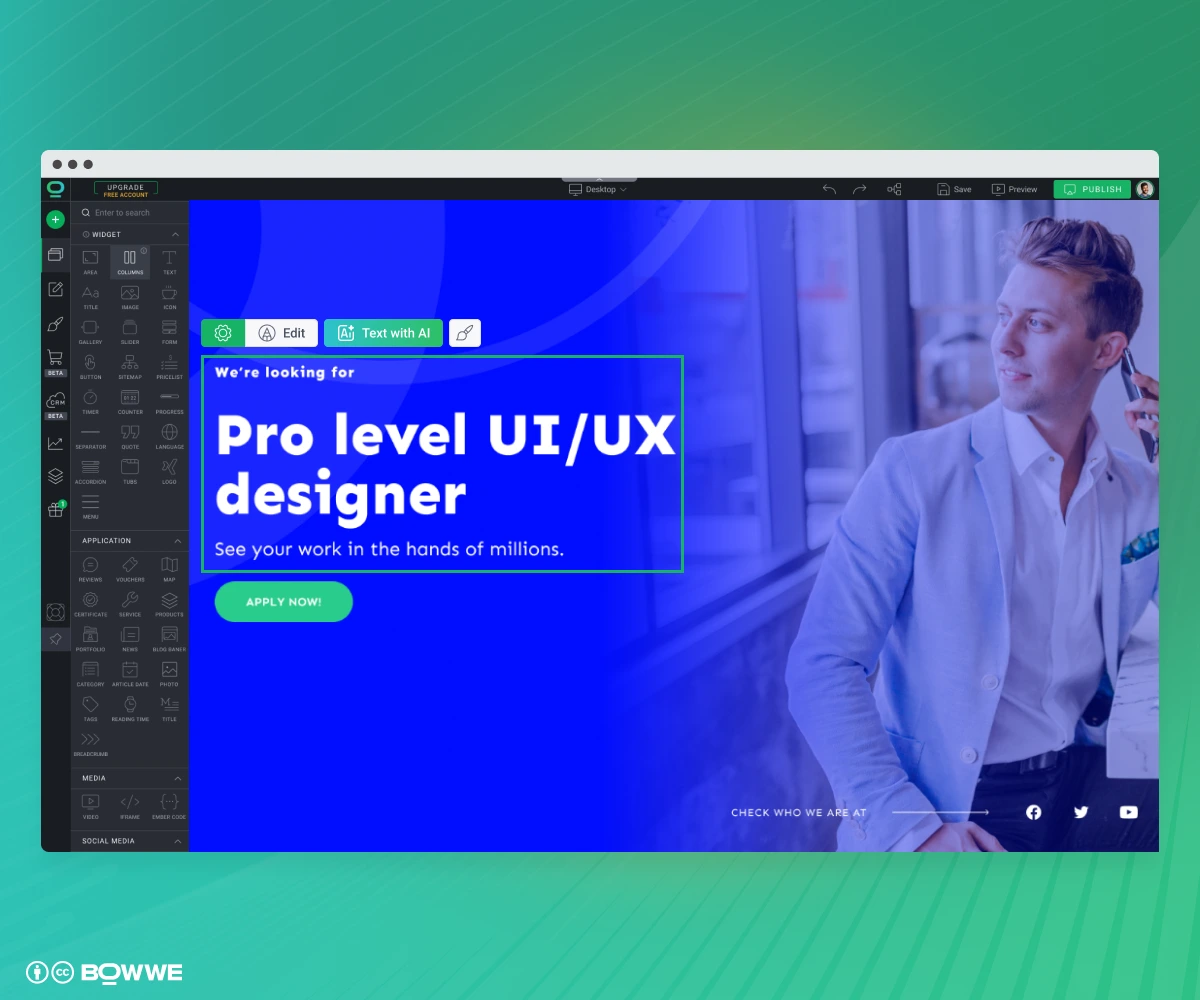
Example:
Build the future of ethical AI
Join our six‑person ML team, ship code that matters, and take part in our next funding round.
3.2 Role details
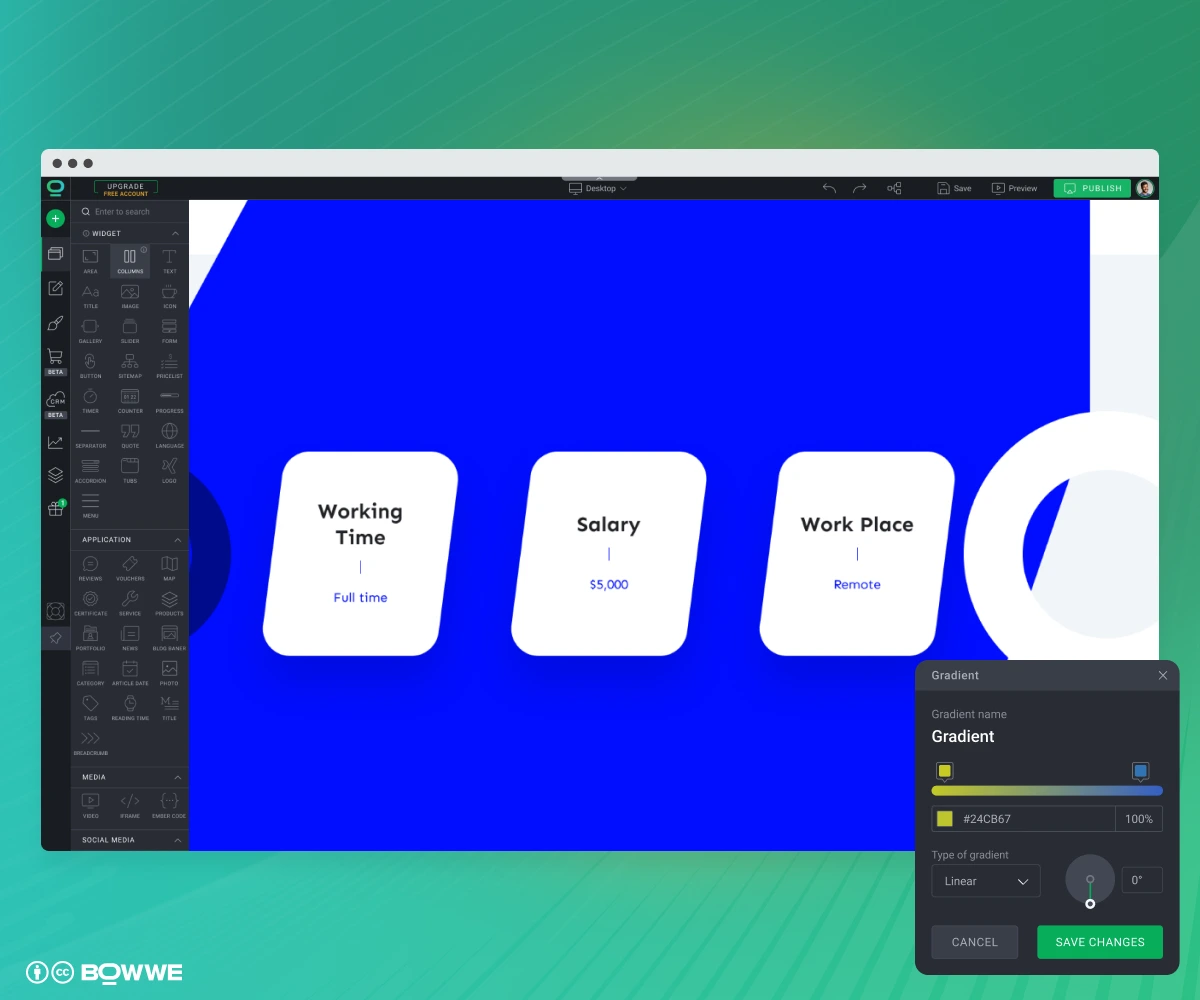
- title,
- location/remote policy,
- duties,
- stack or tools,
3.3 Culture, benefits & growth
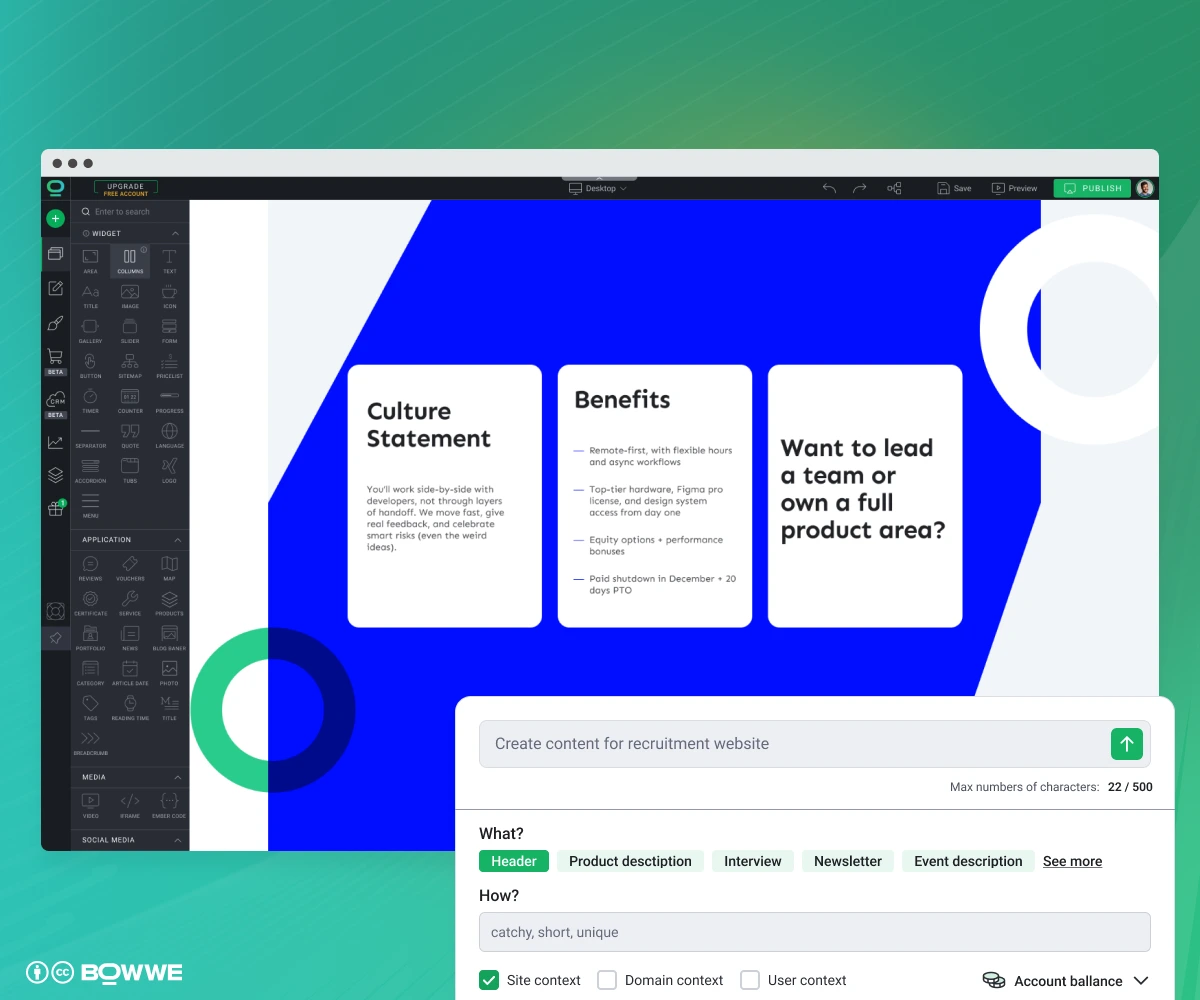
- culture statement,
- tangible benefits,
- career‑growth hook,
3.4 Social proof
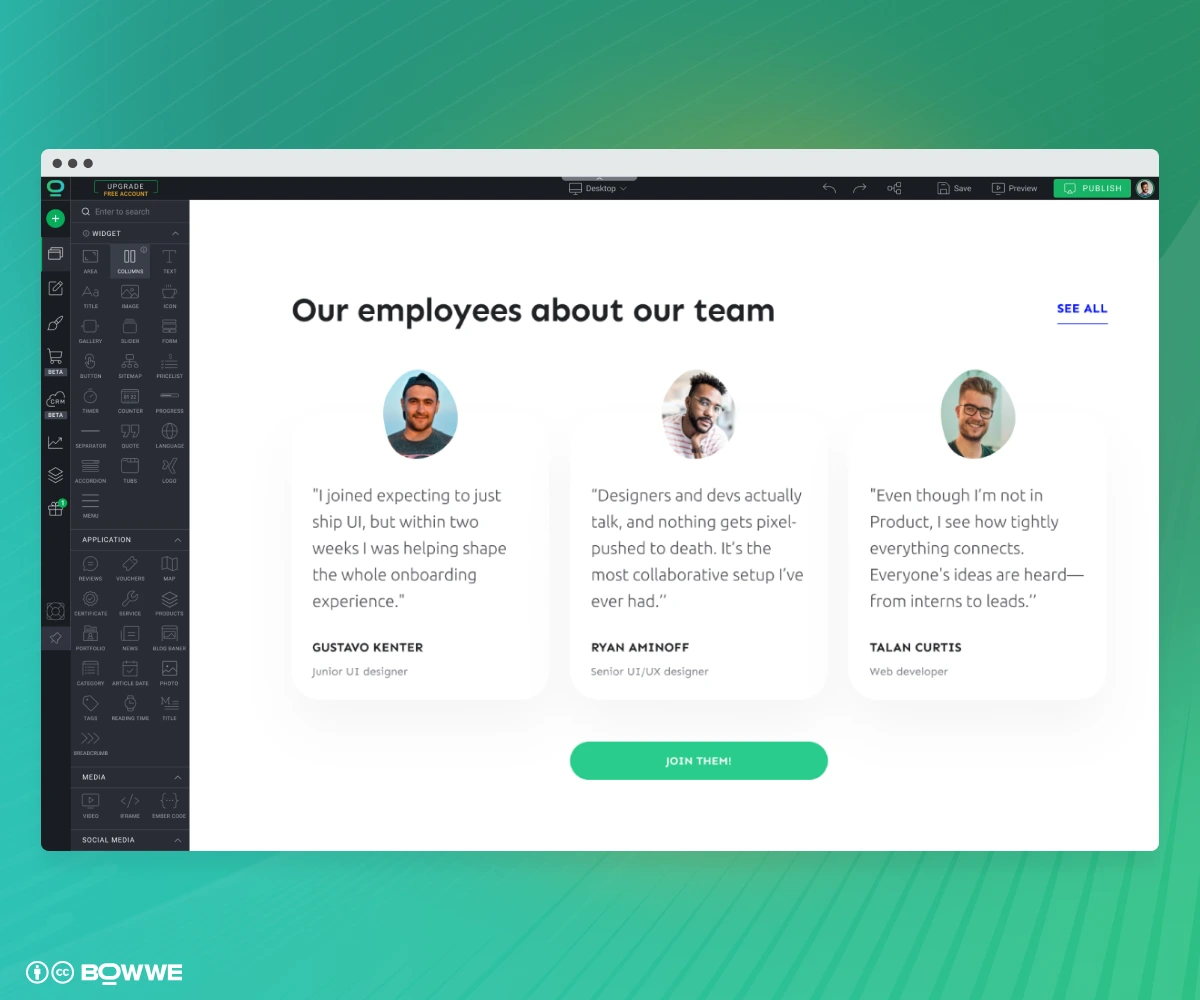
3.5 Company achievements
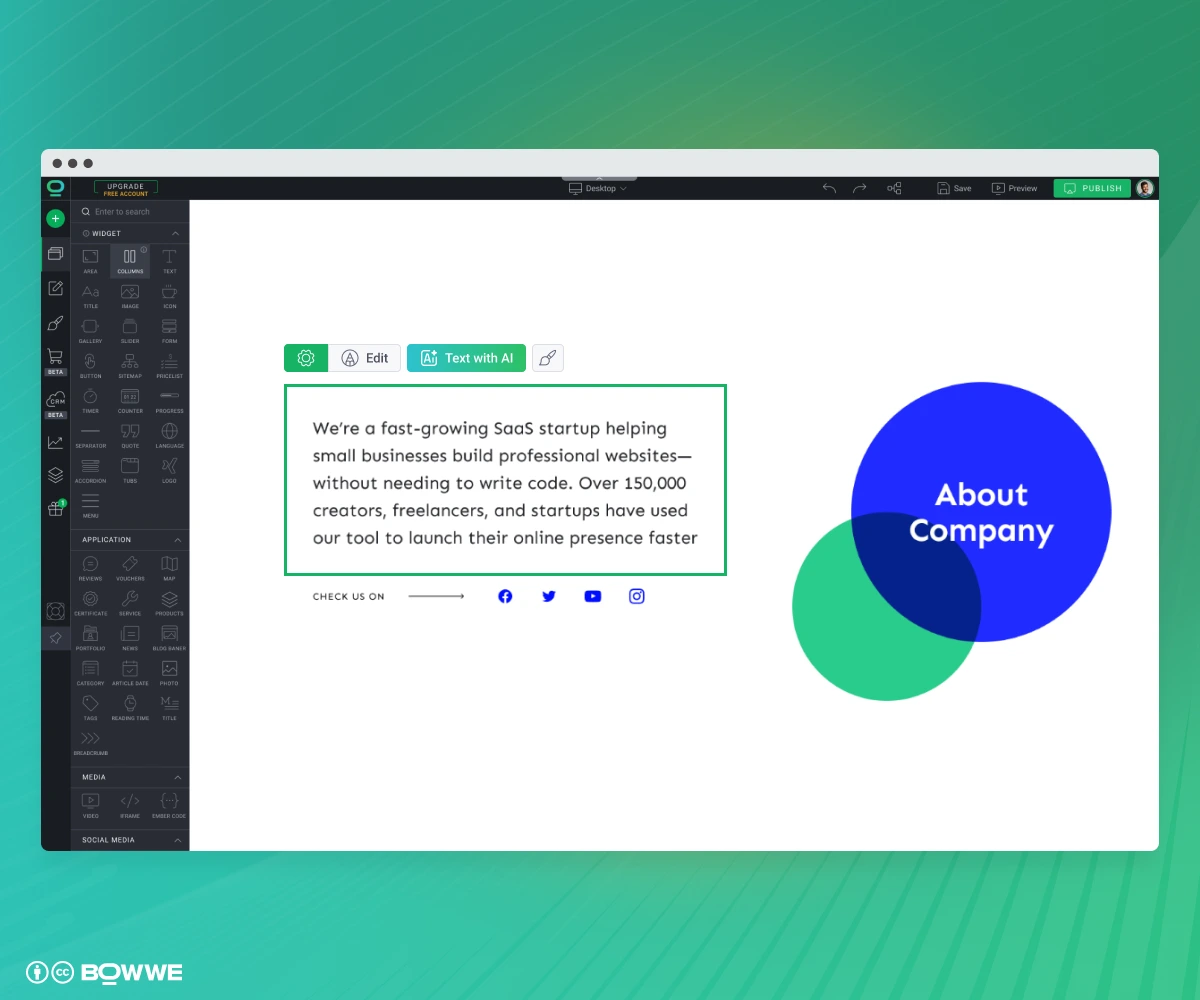
- Awards & Rankings: “Top 25 Fintechs to Watch 2025”.
- Milestones: “10 M+ users, ARR past $40 M, Series B closed”.
- Press Mentions: Logos of TechCrunch, Wired, or niche trade journals.
- Impact Metrics: “2 000 tons CO₂ saved by our platform in 2024”.
Keep each achievement to a single line or icon + label so it scans in seconds. The goal is instant external proof that your team ships results worth joining.
3.6 Application CTA
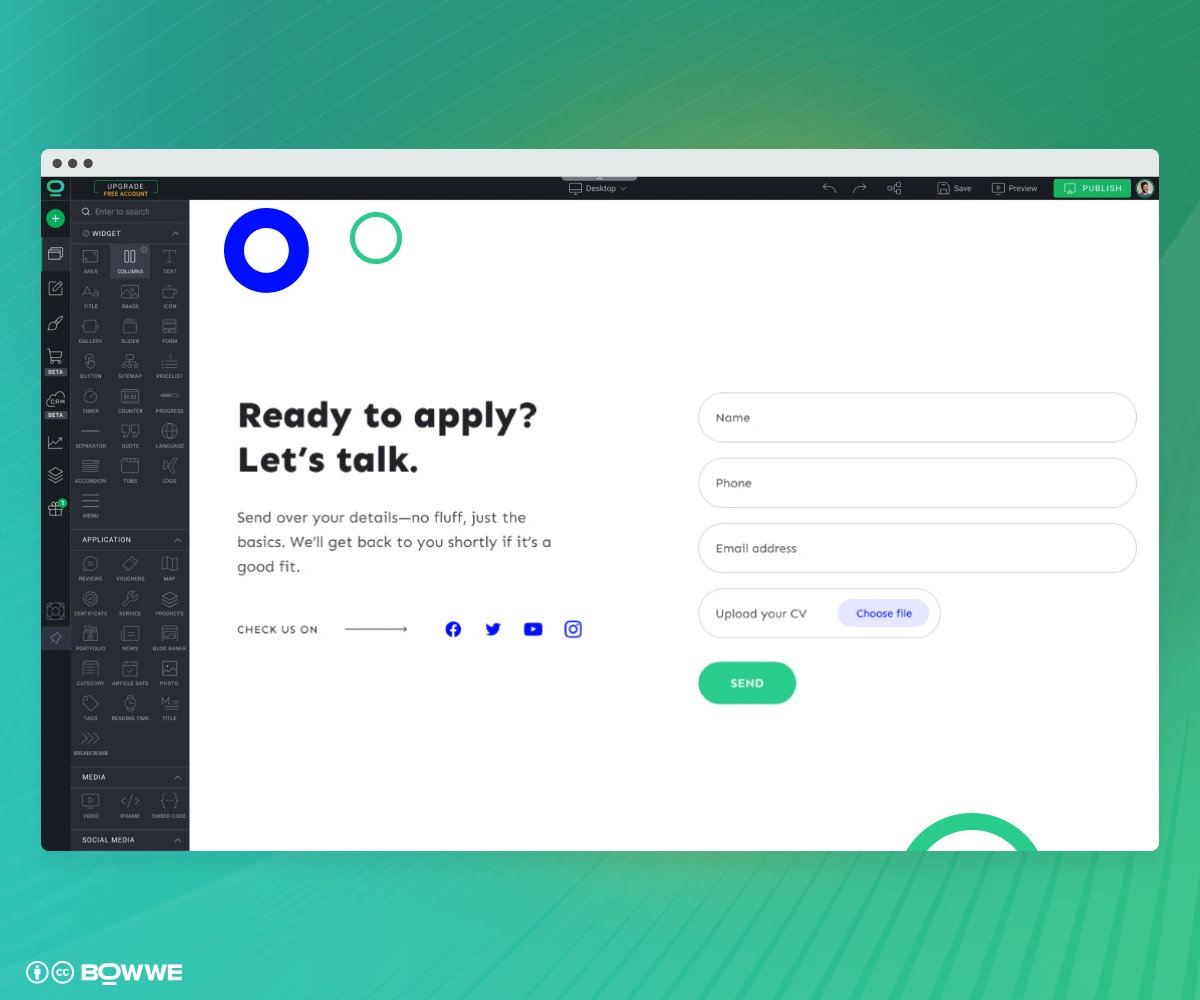
- name,
- email,
- phone,
- CV/portfolio upload.
Skip everything else. Even the most motivated job‑seeker will abandon a form that feels like it never ends. 68% of applicants say they’ve quit a job application because it asked for too much or took too long.
4. Polish the company career page details
4.1 Stick to one visual identity
No guide yet? Pick one primary brand color, a neutral background, and two legible web fonts. That alone gives cohesion.
4.2 Use spacing to signal hierarchy
Get started
4.3 Design for thumb reach, not desktop cursors
5. Make it fast, findable, and accessible
5.1 Keep the page fast on every device
- Compress media. Export images to WebP under 150 kB; set video testimonials to preload="none" so they stream only when scrolled into view.
- Load images only when needed. Turn on “lazy loading” so pictures farther down the page appear as users scroll, not all at once.
- Skip unnecessary extras. Use one style sheet and avoid plug‑ins or widgets you don’t really need.
When you’re done, paste the URL into Google’s free PageSpeed Insights tool. If the bars show green, your page is fast enough.
5.2 Prepare SEO from very beginning
- Role‑specific: “Senior Go developer jobs Berlin”
- Brand + careers: “Acme SaaS jobs”
Here’s how to capture both:
- Clean URL. Use paths like: /careers/senior-developer. Try not to include any random numbers or id: /?page_id=4178.
- Exact‑match H1. State the role and level: “Senior Developer (Berlin or Remote)”.
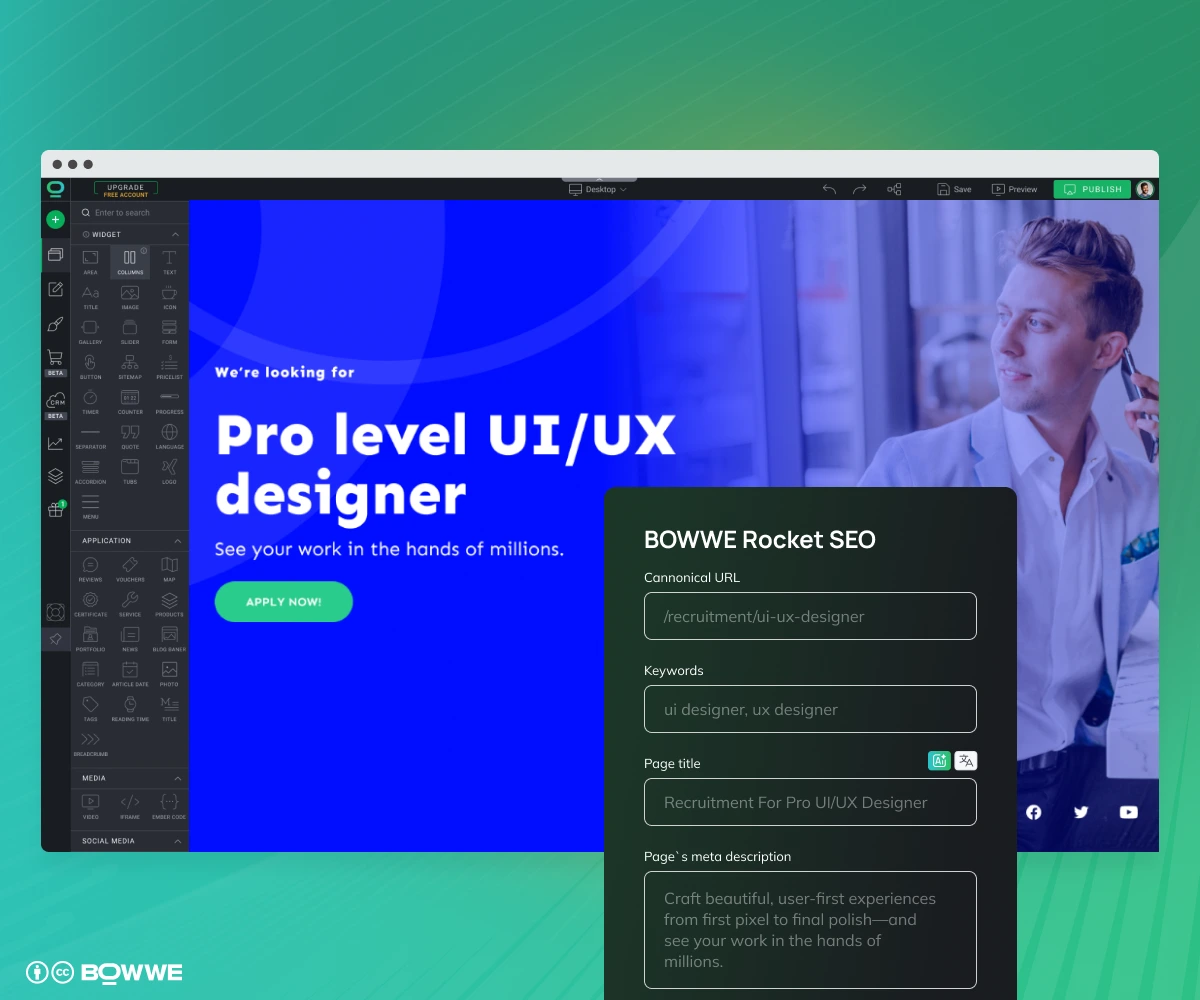
- JobPosting schema. In BOWWE’s Rocket SEO panel, add schema type like JobPosting, fill salary range, employment type, and location. Google pulls this into rich results.
- Localized meta. Title tag under 60 characters, meta description around 155.
5.3 Respect accessibility
- Color contrast. 4.5:1 minimum for body text; use online contrast checker to spot issues as you set colors.
- Keyboard flow. Click through the page, every link and field should receive a visible focus ring in logical order.
- Alt text that sells. Don’t leave “IMG_4231.jpg”. Describe what the image delivers (“Product team demoing real‑time fraud dashboard”).
- ARIA labels on form inputs. Ensure every input has a clear label so screen‑reader users know exactly what to enter.
Road to high‑converting “We’re Hiring” page - summary
- Set one clear goal. Know exactly how many qualified applications you need and by when.
- Choose the fastest build method. No‑code beats hand‑coding for most companies.
- Build core sections. Hero → Role → Culture & Benefits & Growth → Proof → Achievements → Fast Form.
- Polish the design. Consistent spacing, on‑brand colors, mobile‑first layout.
- Speed, SEO, accessibility. Compress assets, add JobPosting schema, meet basic WCAG.
Follow those steps and you’ll ship a careers landing page that loads in under two seconds, ranks for the right keywords, and, most important, turns visitors into applicants.
Get Started
Careers page - FAQ
How to create a career page?
What should be on a “We’re Hiring” landing page?
How long should the page be?
Do I need salary transparency?

Karol is a serial entrepreneur, e-commerce speaker among others, for the World Bank, and founder of 3 startups, as part of which he has advised several hundred companies. He was also responsible for projects of the largest financial institutions in Europe, with the smallest project being worth over €50 million.
He has two master's degrees, one in Computer Science and the other in Marketing Management, obtained during his studies in Poland and Portugal. He gained experience in Silicon Valley and while running companies in many countries, including Poland, Portugal, the United States, and Great Britain. For over ten years, he has been helping startups, financial institutions, small and medium-sized enterprises to improve their functioning through digitization.