
I will show you how I manage multilingual websites day to day:
- clear roles,
- a clean structure (URLs, hreflang, sitemaps),
- a repeatable workflow,
- simple KPIs you can track.
Copy my workflow, and you’ll keep every language in sync, stay compliant, and ship any idea faster - without surprises.
Get Started
What “multilingual website management” really includes?
1. Pick what ships first and in which languages
- Languages: 1–2 with the clearest traffic/revenue upside.
- Pages: Homepage, top product/service pages, pricing/checkout, legal pages (privacy/terms/cookies), and 3–5 high-traffic blog posts. Save nice-to-have content for later.
2. Prepare your team and resources
2.1. People (who does what?)
- Project owner/manager – keeps priorities clear and approves publishing.
- Translation lead – runs the workflow, deadlines, QA.
- Native reviewer (per language) – fixes tone, culture, and nuance.
- SEO – localized titles/metas/slugs, hreflang, sitemaps.
- Web ops/editor – builds pages, swaps locale images, tests links/forms.
- Legal/Compliance – privacy/terms/cookies, pricing/tax text.
- IT (optional) – integrations, backups, staging, and then push to production.
Ask yourself: Do these people exist in your team, do they have time, and who’s the backup?
2.2. How will you build a multilingual website? (tools/partners)
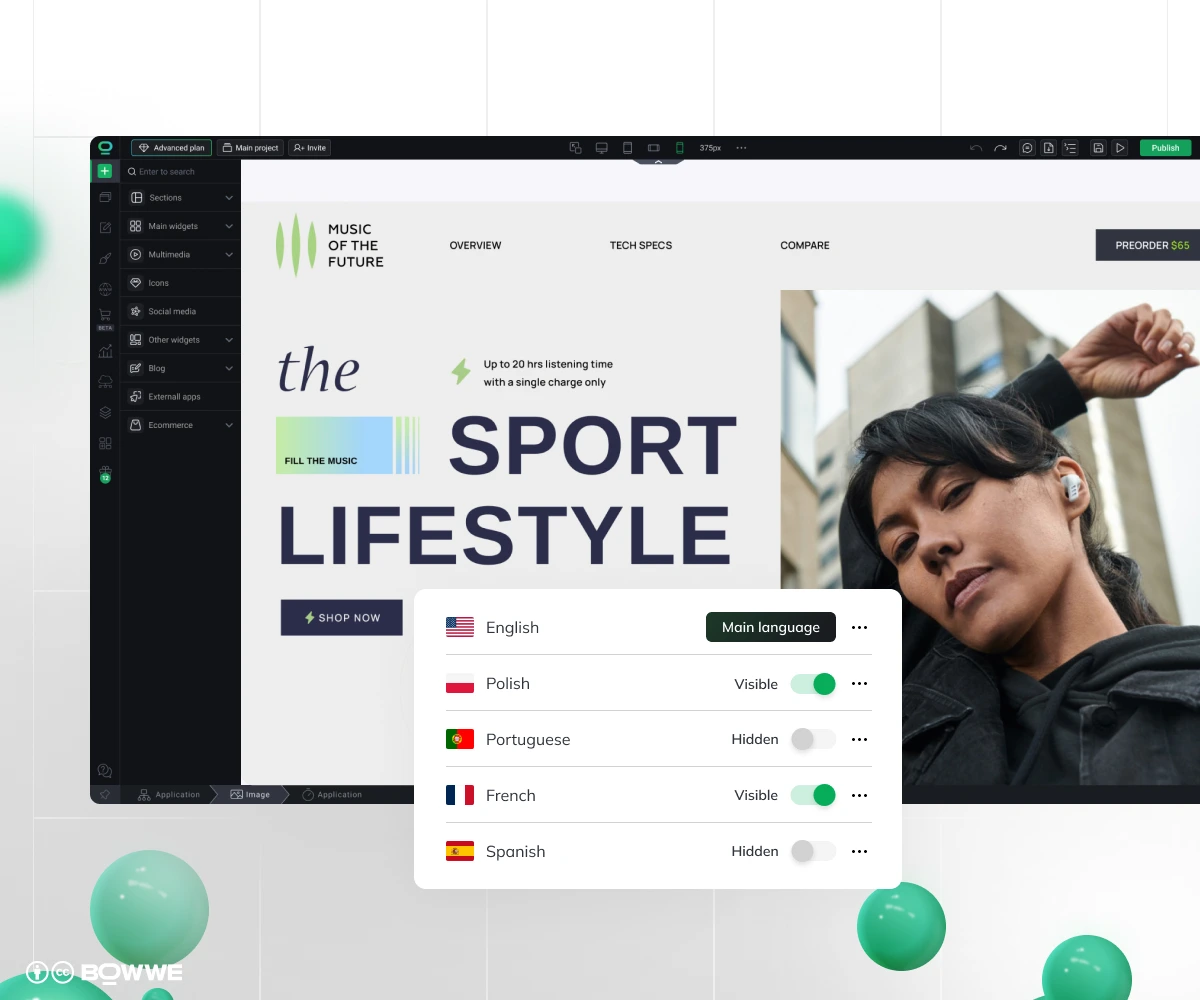
- Agency vs in-house vs hybrid – who translates what, and who reviews?
- CMS/builder that supports multilingual: localized URLs on one domain, automatic hreflang, language-aware sitemaps, per-locale metadata and images, roles/approvals, version history.
2.3. Customer support
- Minimum: localized contact page, auto-replies, and top 10 FAQs per language.
- Nice to have: email/chat coverage for priority locales. Route complex cases when you need to move to the base language and inform the client - “We’re moving you to a specialist in English to solve this faster”.
2.4. Budget
- Tools: your CMS/builder plan (hosting, roles, backups).
- Translation: AI + human edit, or native-only for sensitive copy.
- Review & testing: native QA, SEO tweaks, page checks.
Example:
5,000 words × 2 languages × MTPE rate + 6 hours native QA + your builder plan.
- Do we have a budget for the tools and reviewers?
- Which pages truly need a native expert?
- Who owns the monthly spend and approvals?
3. Prepare the workflow
3.1. Content workflow
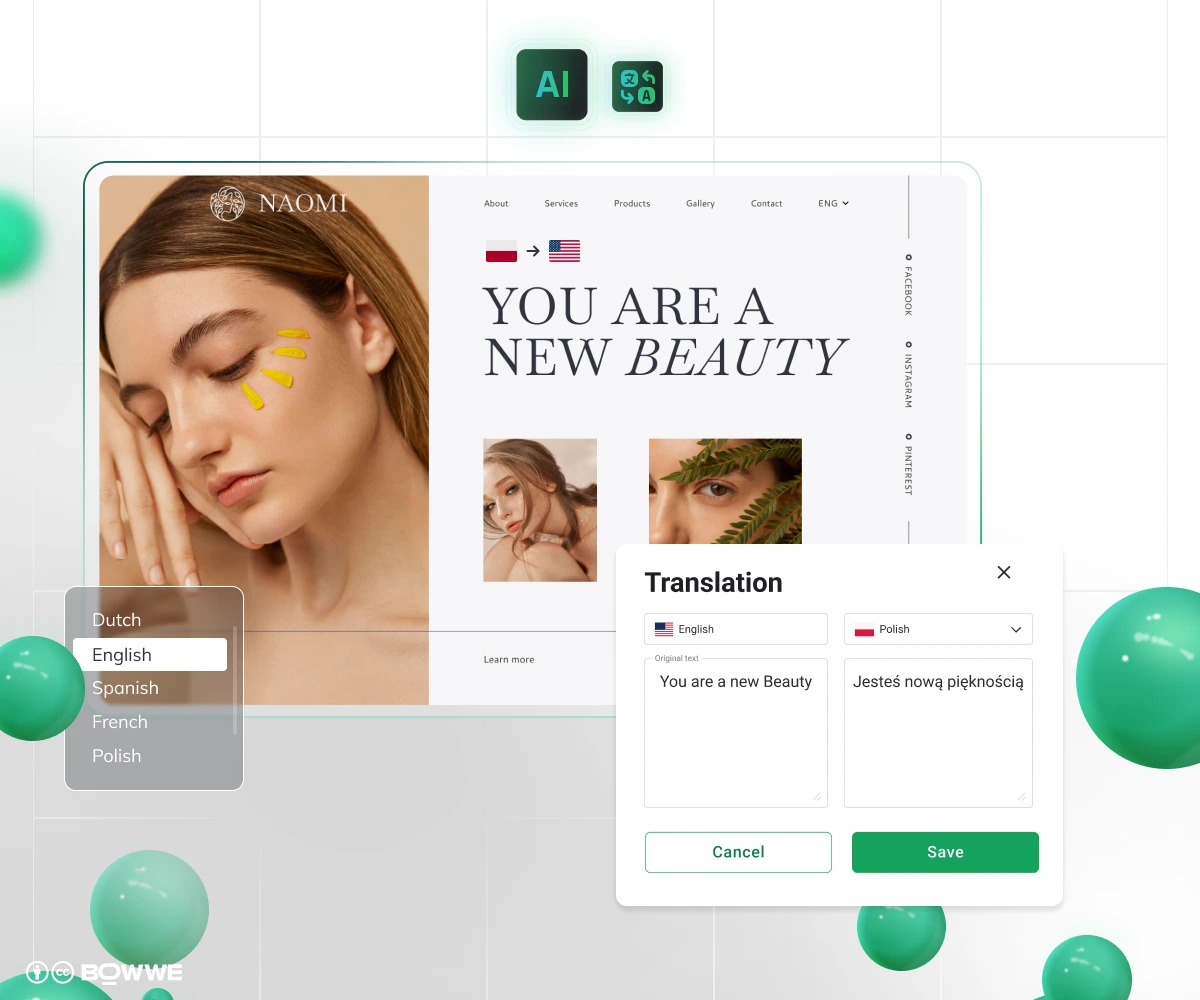
- Style guide: tone, formality, reading level, brand do/don’ts.
- Glossary: what never gets translated (brand/product names) + approved equivalents.
- UI & microcopy: buttons, forms, errors, emails, receipts.
- Media with text: hero banners, badges, PDFs - track and localize per locale.
- Review path: Manual Translation (MT) and then native edit (for blogs/product), human-only for legal/ads/headlines.
3.2. Site-scaling workflow
- Copy your best source page.
- Localize everything on it: body text, buttons, forms, error messages, and any images that contain text.
- Check in three passes: a) Language: native reviewer fixes tone/phrasing, b) Function: links, forms, emails, tracking, c) Visual: long words fit, no overlaps, RTL looks right.
- Publish, and then measure by language: impressions, CTR, conversions. Improve the weakest step first.
3.3. Dev/tech workflow
- URLs: choose one pattern (usually subfolders like /es/, /de/) and use it everywhere.
- Hreflang + sitemaps: generate automatically; validate on each release.
- Fonts & scripts: include fonts that support your target characters; mirror RTL layouts correctly.
- Performance: after launch, check mobile LCP per locale; fix big images or slow scripts.
- E-commerce bits: localize currency, tax, shipping, payment methods.
3.4. SEO workflow
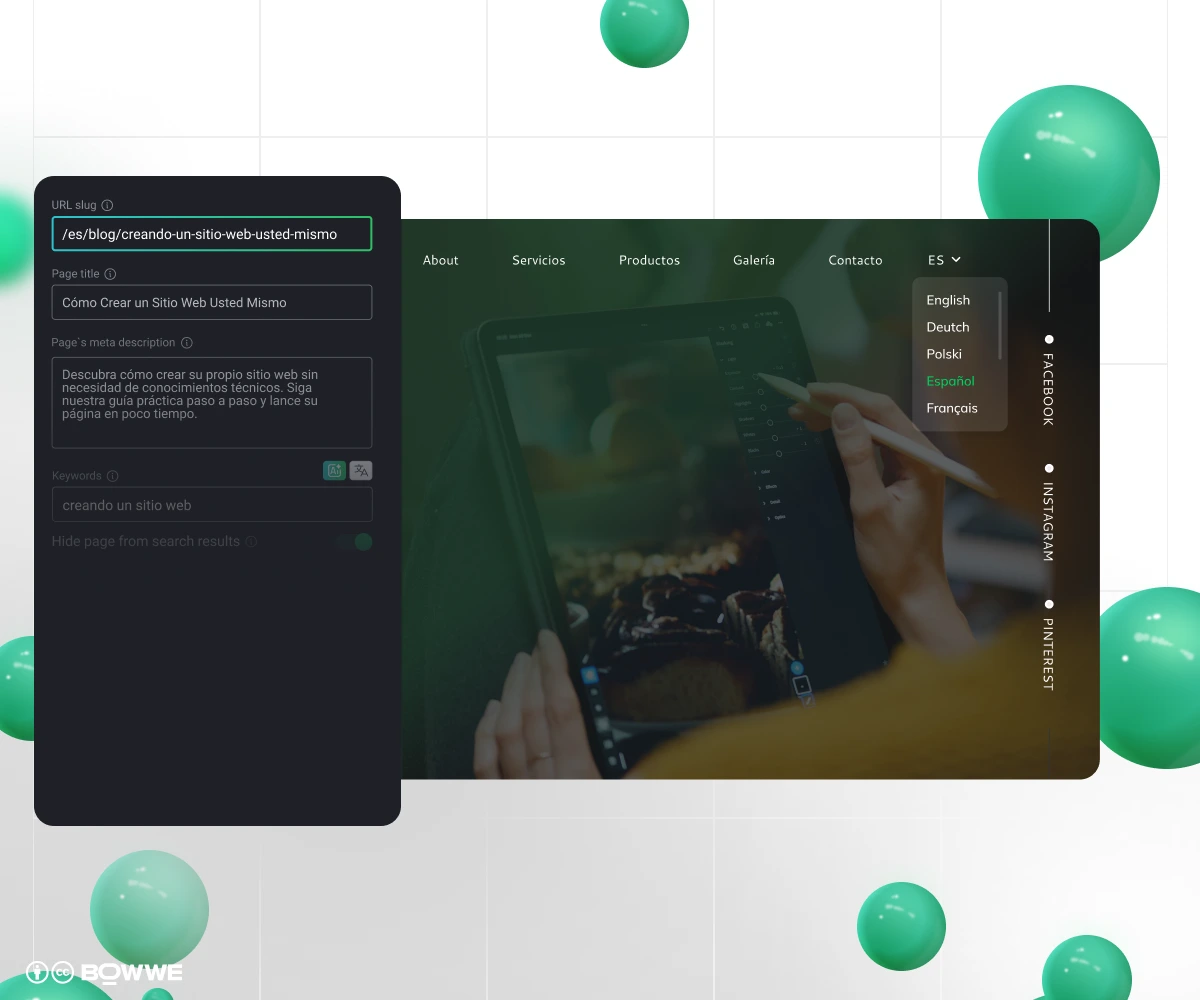
- Do real keyword research in the target language. Don’t just translate terms.
- Localize on-page SEO: titles, meta descriptions, slugs, and Open Graph.
- Hreflang set: include self-reference and x-default; make the set reciprocal across pages.
- Sitemaps: resubmit after each batch of pages; in Search Console, spot-check that new URLs are indexed.
4. Cover compliance & access
4.1. Legal & privacy
- Cookie banner: translate it; list cookies categories; store consent. InEU/UK non-essential cookies need opt-in and in US rules differ by state (e.g., CA/CPRA).
- Privacy & Terms: translate both; show a “last updated” date; keep a short change log.
- What you collect: make sure forms/analytics match your policy (no hidden trackers).
- EU data leaving EU: note the legal basis (e.g., SCCs) in your policy, keep it simple.
- Commerce text: translate pricing, taxes (VAT/GST), shipping, returns, and a local contact line.
Get Started
4.2 Accessibility
- Set the page language: lang="…" per locale; add inline lang for mixed snippets.
- Language switcher: visible, keyboard-friendly, clear focus states.
- Text & colors: meet WCAG AA contrast. Don’t shrink fonts to squeeze long DE/ES text, fix the layout instead.
- Alt & forms: translate alt text, labels, error and success messages.
- RTL support: mirror layout for Arabic/Hebrew; don’t flip universal icons (search/play).
- Fonts: use fonts that cover your characters; preload to avoid flashing invisible text.
Most common problem during multilingual website management
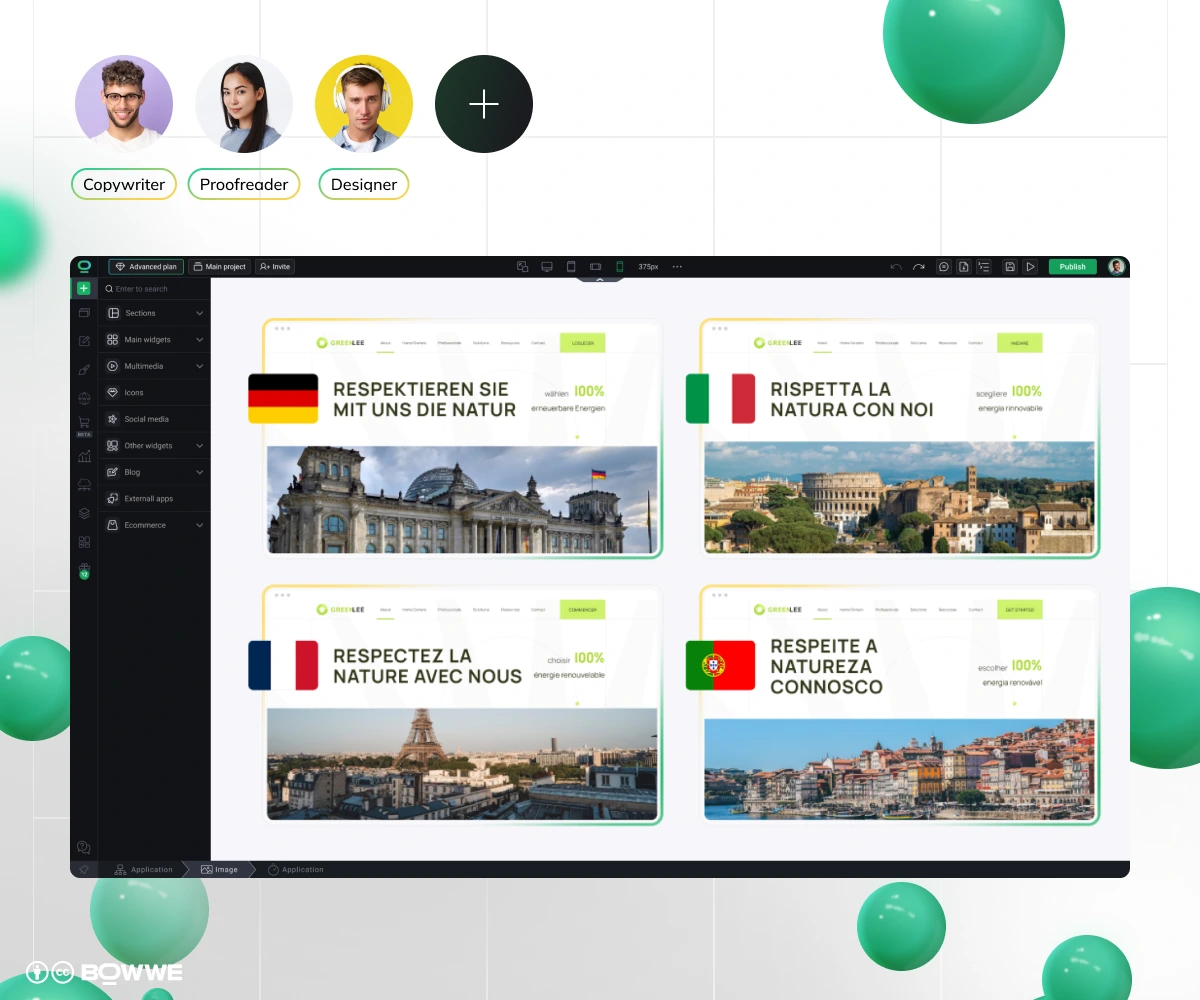
1. Too many locales
2. Translation without localization
3. Machine output with zero human eyes
4. Patchy upkeep by language
5. Half-translated user journeys
6. Picking languages by gut feel
7. Chaotic URL strategy
8. Hreflang mismatch
9. Mixed-language UI
10. Forced geo/language redirects
11. SEO treated as optional
12. Compliance as an afterthought
13. Skipping accessibility basics
14. Untranslated system emails
15. Performance hits after launch
How to check every locale hits its goals?
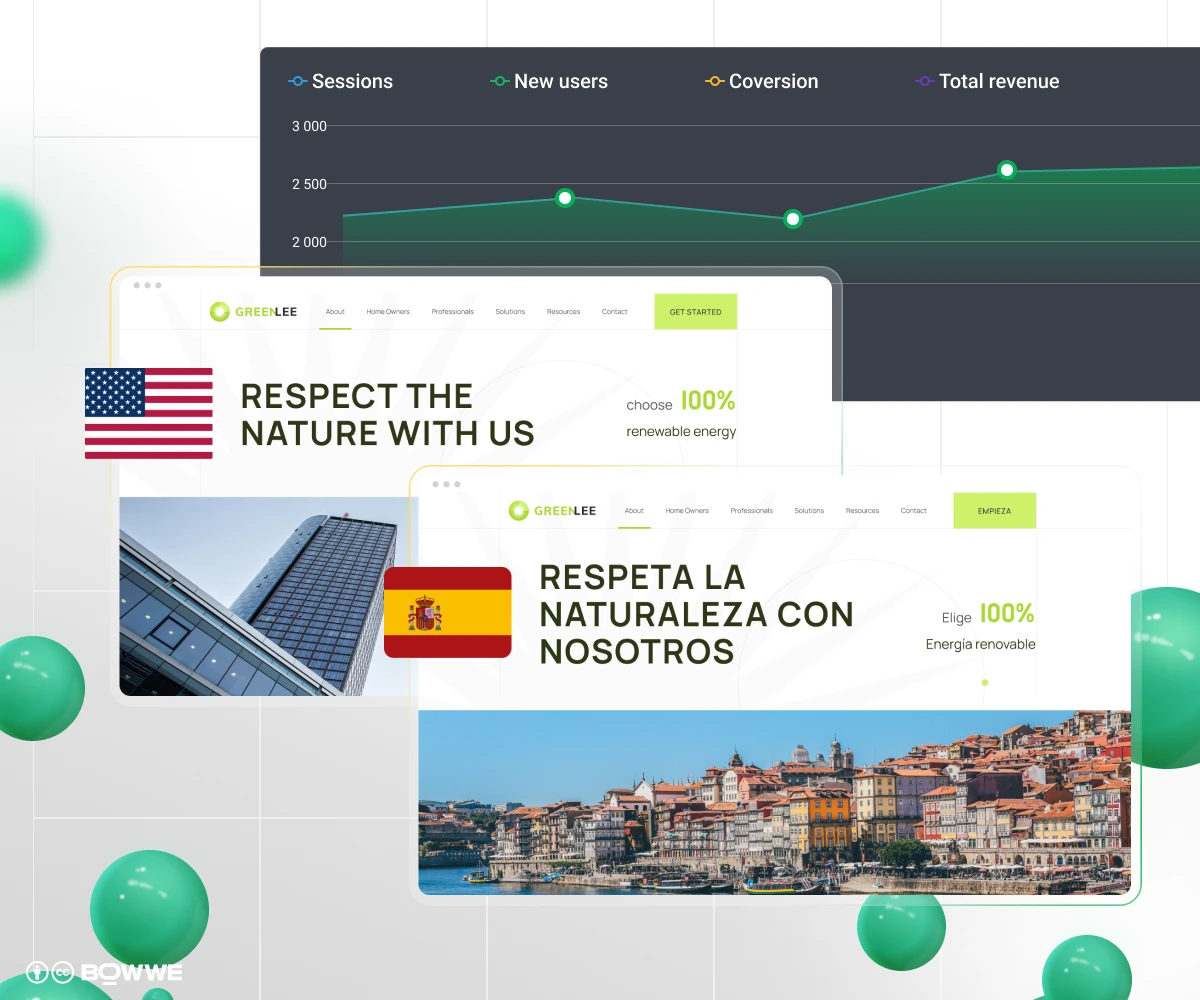
1. Visibility
- Impressions & CTR (Google Search Console): aim for +10–20% growth in impressions and click-through rate each quarter.
- Top keywords in Top 10/Top 3: count how many per locale; aim to grow both monthly.
- Indexed pages vs submitted: in Google Search Console, almost all URLs you submit in your sitemap should be indexed, target 95%+.
2. Engagement & UX
- Engagement rate / time on page (GA4) on key pages (Home, Product, Pricing).
- Scroll depth: on long posts/LPs (≥60% median).
- Core Web Vitals (mobile): LCP <2.5s, CLS <0.1, INP <200ms per locale.
3. Conversion
- Lead CVR: the % of landing-page visitors who submit your form or % of carts that end in a paid order (for e-commerce). Track both by language.
- AOV / revenue per session: average order value (total revenue ÷ number of orders) by language.
- Form error rate & drop-off step: how many users hit errors or quit at a specific step (watch localized validation/messages).
4. SEO health
- Hreflang coverage % (pages with valid, reciprocal tags + x-default): ~100%.
- Sitemap freshness: nothing should be older than 7 days. If it is, regenerate and resubmit in the Google Search Console.
- Canonical vs hreflang conflicts: 0.
What to do If a metric is off?
- CTR low, impressions ok: Rewrite titles/descriptions in that language. Use local phrasing; A/B test 2–3 variants.
- CTR good, conversions low: Clarify the offer, fix forms/validation text, add local trust (currency, payment methods, badges/reviews, shipping/returns).
- Rankings weak: Do keyword research in that language, add internal links, and publish a few supporting pages.
- Core Web Vitals poor: Compress/resize images (WebP/AVIF), preload fonts that cover the script, lazy-load below the fold, trim heavy scripts.
- Language versions out of sync (low parity): Ship updates to all languages in one release. Hide pages you can’t maintain yet.
How to manage multilingual website - summary
If you want less busywork (auto-hreflang, language-aware sitemaps, localized URLs/metadata/images on one domain), try BOWWE AI Multilanguage Builder.
Get Started
Multilingual website management - FAQs
How many languages should I start with?
How do I keep languages in sync?
Do I need to translate everything?
How often should I update translations?
How do I measure success per language?
We’re small, do we need an agency?
What if I’m not ready for full support in every language?

Karol is an entrepreneur, e-commerce speaker among others, for the World Bank, and founder of 3 startups, as part of which he has advised several hundred companies. He was also responsible for projects of the largest financial institutions in Europe, with the smallest project being worth over €50 million.
He has two master's degrees, one in Computer Science and the other in Marketing Management, obtained during his studies in Poland and Portugal. He gained experience in Silicon Valley and while running companies in many countries, including Poland, Portugal, the United States, and Great Britain. For over ten years, he has been helping startups, financial institutions, small and medium-sized enterprises to improve their functioning through digitization.